- Spreadsheet Software
- Excel Macros
- Problem Solving
- Data Management
- Data Validation
- Visual Basic (Programming Language)
- Data Sharing
- Data Import/Export
- Microsoft Excel
- Data Cleansing
- Excel Formulas
- Microsoft Word
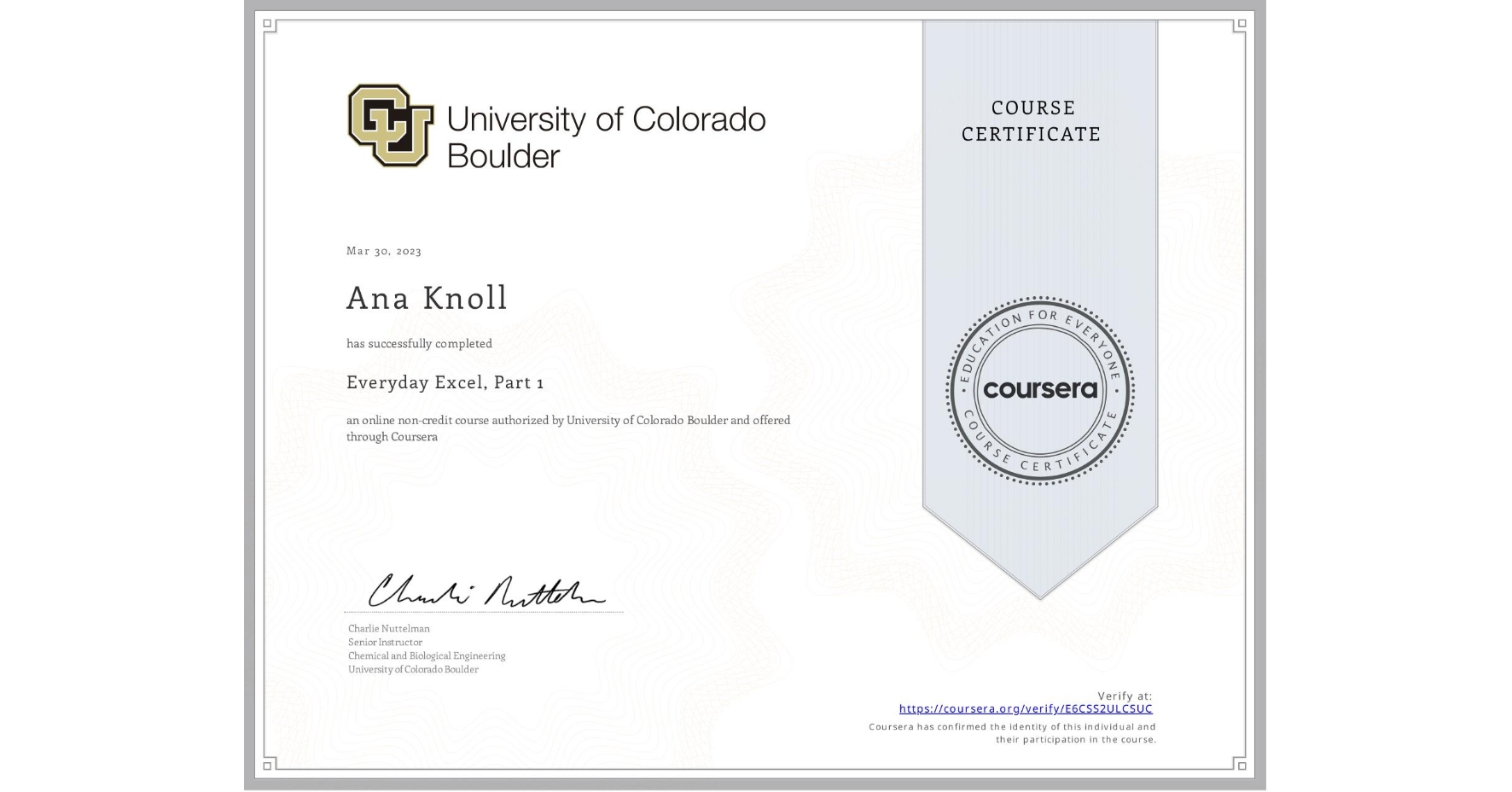
Everyday Excel, Part 1
Completed by Ana Knoll
March 30, 2023
25 hours (approximately)
Ana Knoll's account is verified. Coursera certifies their successful completion of Everyday Excel, Part 1
What you will learn
Navigating Excel, editing the worksheet (including inserting/deleting cells, columns, and rows), and cell formatting.
Expression entry and common Excel formulas (including logical functions, text functions, and financial functions).
Data management (sorting, filtering, consolidating, removing duplicates, data validation, and one-way lookups).
Data visualization (scatter plots, column charts, pie charts, Slicers, Sparklines, and Pivot Tables).
Skills you will gain