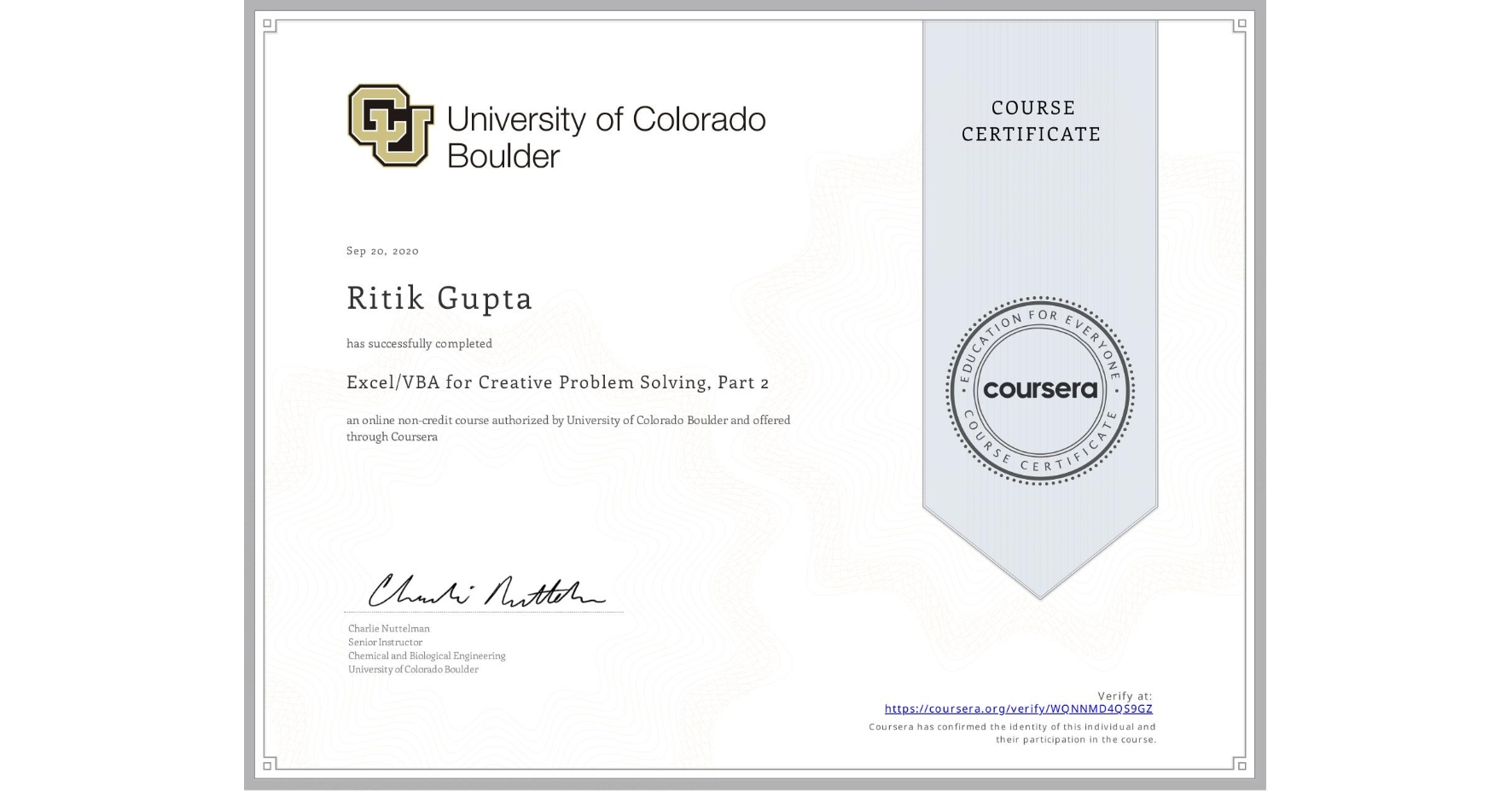
Excel/VBA for Creative Problem Solving, Part 2
Completed by Ritik Gupta
September 20, 2020
20 hours (approximately)
Ritik Gupta's account is verified. Coursera certifies their successful completion of Excel/VBA for Creative Problem Solving, Part 2

What you will learn
Use VBA to import/export arrays from/to Excel
Describe how text strings in Excel and how to write data to .txt files and import information from .txt files
Automate the import, modification, and consolidation of information from multiple worksheets into a central worksheet
Create professional user forms to interface with the user, perform advanced calculations, and manipulate data on the spreadsheet.
Skills you will gain
- Category: Automation
- Category: Spreadsheet Software
- Category: Data Structures
- Category: Programming Principles
- Category: Data Validation
- Category: File I/O
- Category: User Interface (UI)
- Category: UI Components
- Category: Visual Basic (Programming Language)
- Category: Data Import/Export