- Operational Efficiency
- Control Panels
- Productivity Software
- Software Installation
- Office Procedures
- File Management
- Organizational Skills
- Computer Literacy
- Microsoft Office
- Microsoft Windows
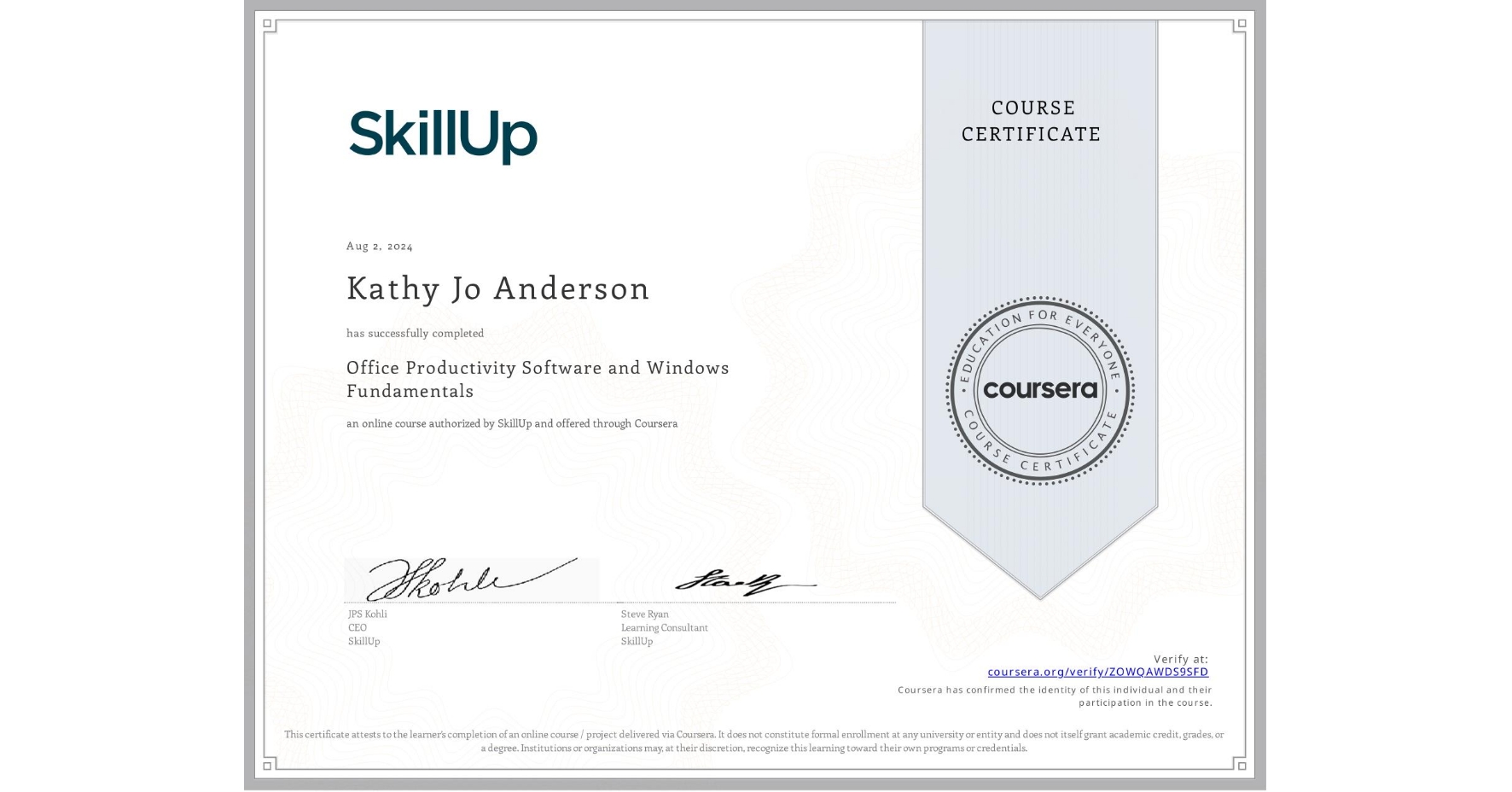
Office Productivity Software and Windows Fundamentals
Completed by Kathy Jo Anderson
August 2, 2024
3 hours (approximately)
Kathy Jo Anderson's account is verified. Coursera certifies their successful completion of Office Productivity Software and Windows Fundamentals
What you will learn
Explain how to use key Windows features such as the Desktop, Start menu, File Explorer, Windows Search, and the Recycle Bin
Describe the options for office productivity software and how to choose which one to use
Explain different Windows applications, how to install them, and their unique features
Create and use keyboard and desktop shortcuts to work more efficiently
Skills you will gain