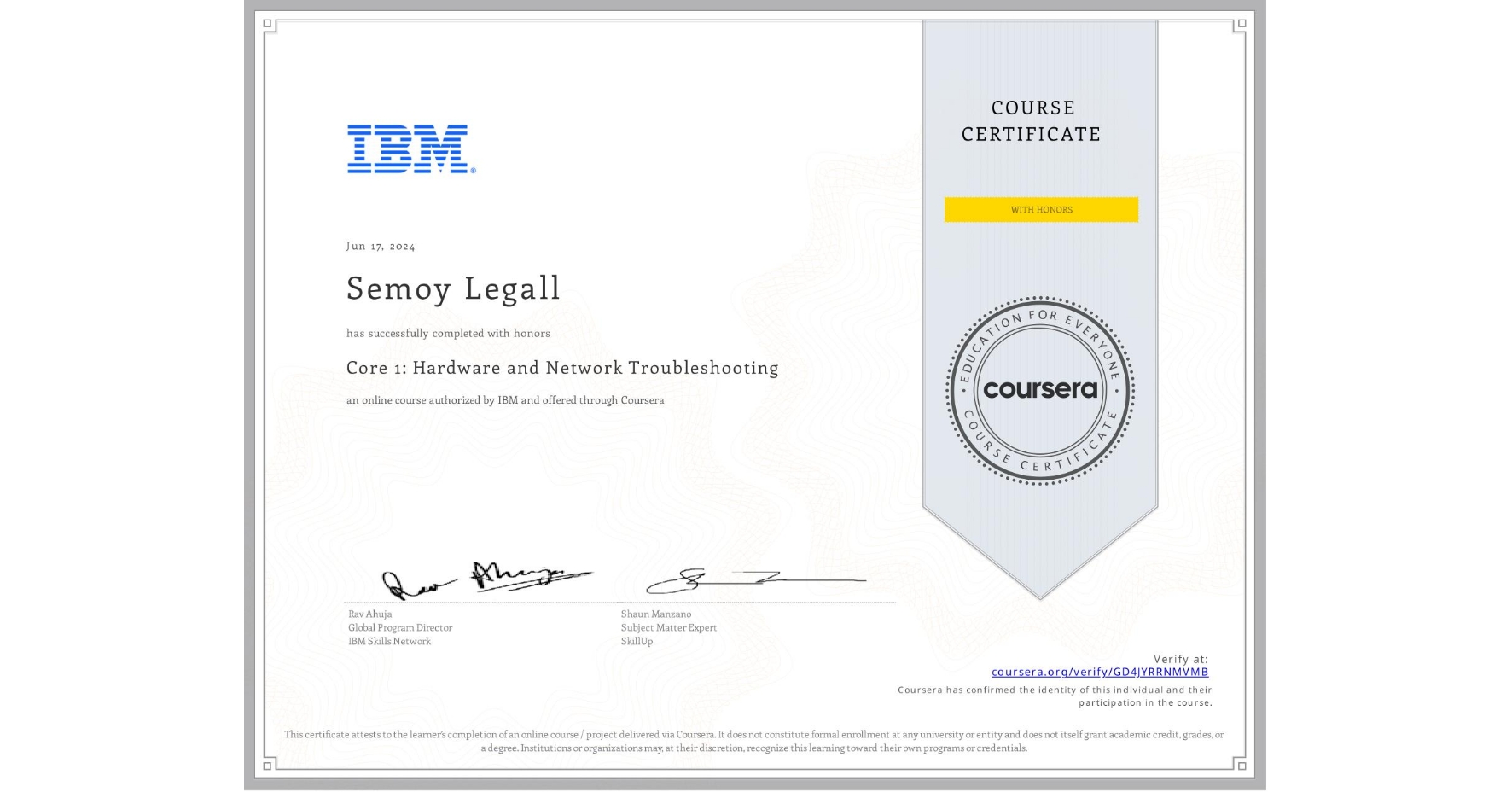
Core 1: Hardware and Network Troubleshooting
Completed by Semoy Legall
June 17, 2024
16 hours (approximately)
Semoy Legall's account is verified. Coursera certifies their successful completion of Core 1: Hardware and Network Troubleshooting

What you will learn
Understand laptop components and accessories and how to apply troubleshooting methods to laptops, mobile devices, and video and resolution issues
Explore networking infrastructures and describe storage device options, identify network troubleshooting tools, and troubleshoot storage issues
Learn about motherboard components and CPU types, configure BIOS settings, summarize power supply basics, and troubleshoot these items
Identify printer types, components, and settings and troubleshoot basic, advanced, laser, and impact printer issues
Skills you will gain
- Category: Technical Support and Services
- Category: Virtualization
- Category: Network Troubleshooting
- Category: Computer Hardware
- Category: System Configuration
- Category: Network Infrastructure
- Category: Peripheral Devices
- Category: Hardware Troubleshooting
- Category: Technical Support
- Category: Hardware Architecture
- Category: General Networking
- Category: End User Training and Support