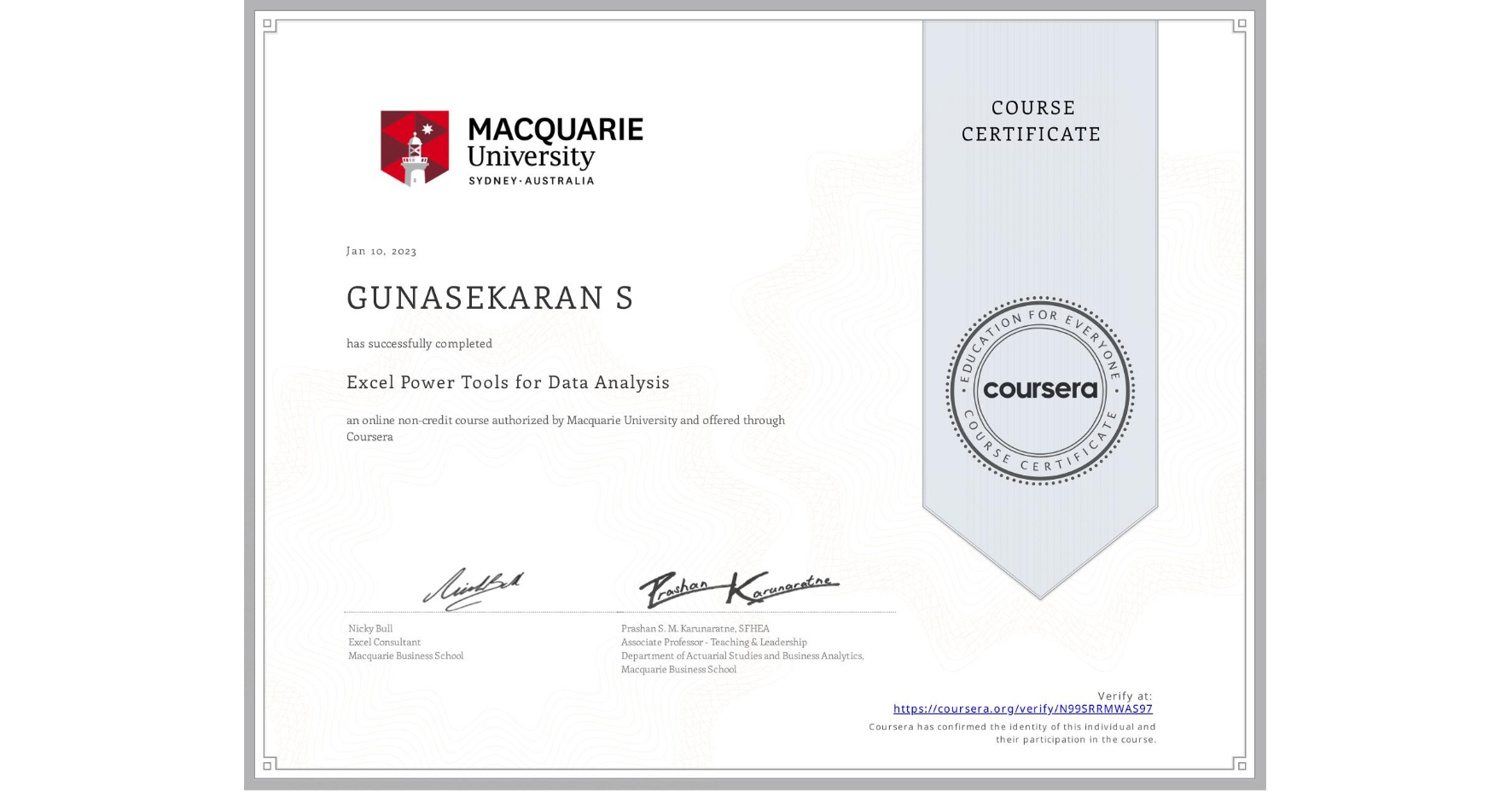
Excel Power Tools for Data Analysis
Completed by GUNASEKARAN S
January 10, 2023
14 hours (approximately)
GUNASEKARAN S's account is verified. Coursera certifies their successful completion of Excel Power Tools for Data Analysis

What you will learn
Master Power Query to automate data import and transformation
Utilize Power Pivot and DAX for advanced data modeling and analytics
Create interactive reports and dashboards using Power BI
Handle large datasets efficiently, overcoming Excel's traditional limits
Skills you will gain
- Category: Data Wrangling
- Category: Data Storytelling
- Category: Microsoft Excel
- Category: Business Intelligence Software
- Category: Data Sharing
- Category: Power BI
- Category: Data Integration
- Category: Dashboard Creation